From 389 Tools to 48: How I Fixed My AI Assistant's Tool Calling Problem
My AI assistant kept hallucinating tool calls. Consolidating from 389 tools to 48 with action/provider patterns made it reliable again.
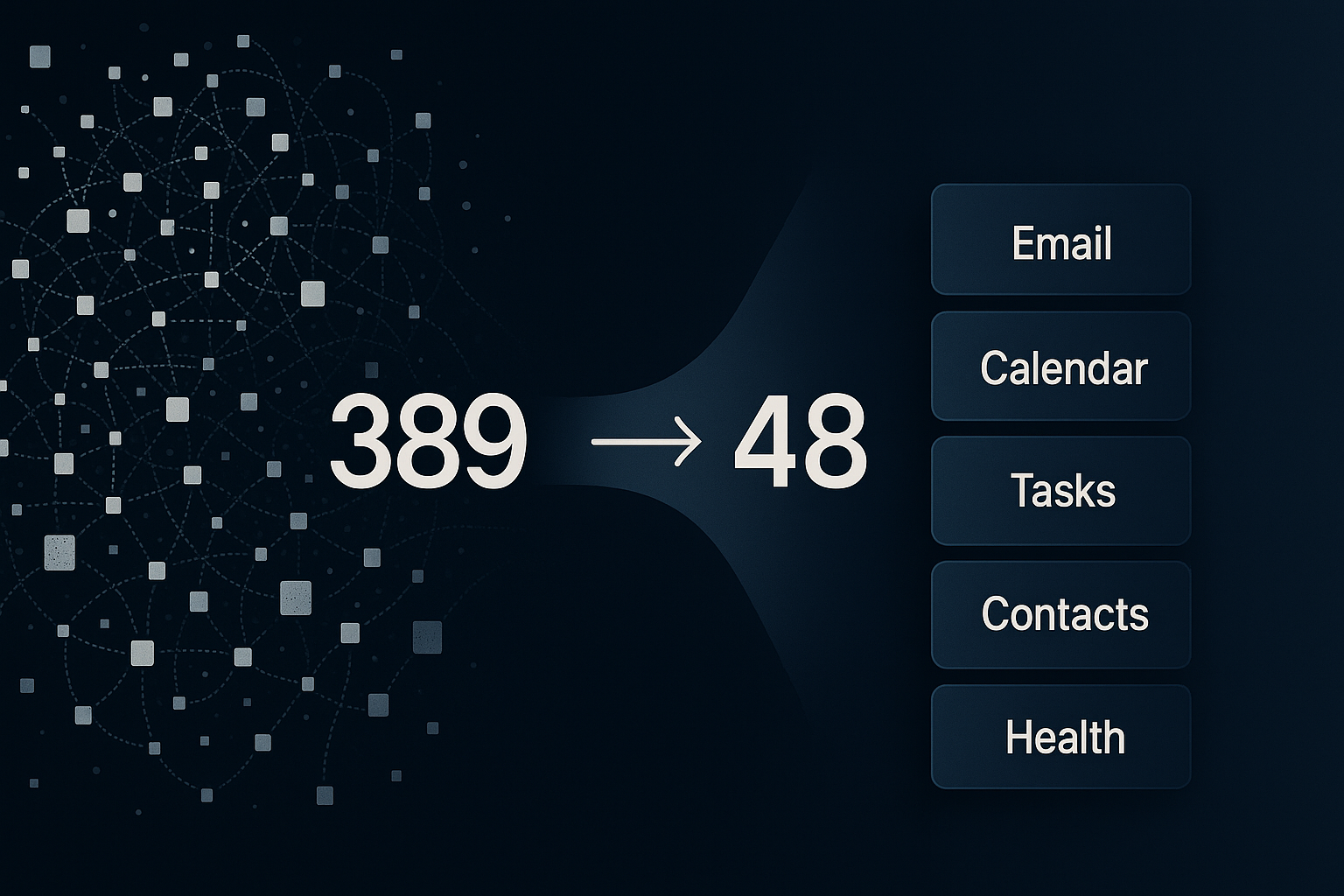
My AI assistant was lying to me.
Not maliciously. But I'd ask it to create a task, and it would say "Done" when nothing had been created. I'd ask it to send an email, and it would confidently report success. No email sent.
It was hallucinating tool calls: claiming to execute actions it never performed.
This wasn't a rare edge case. It happened often enough to make ARIA, my personal assistant, unreliable for anything important.
The culprit: 389 tools.
If you've built agents with tool calling, you've probably seen versions of this. In recent r/AI_Agents threads, builders keep asking the same question in different words: "Why is my agent just sitting there?" Usually the answer is not "better prompting." It's tool complexity.
How I got to 389 tools
At Newton Institute, I'd already built chat interfaces with a small toolset. Maybe five or six tools. Users could query data, update outputs, and move through work in conversation. It worked well.
So when I built ARIA, I followed that same pattern.
Need Todoist access? Add todoist_get_tasks. Then todoist_update_task. Then todoist_complete_task.
One capability at a time. Very reasonable at first.
Then I fleshed out each service:
- Email: read, send, reply, forward, delete, archive, search, mark read, flag, move
- Calendar: get events, create, update, delete, list calendars, check availability, find free slots
- Plus multiple accounts, contacts, health data, and more
Tool count exploded gradually, then suddenly.
I never set a cap. I just kept adding what I needed.
Then tool calling started to break.
What broke
The obvious problem was fake completions.
But there were other failure modes too:
- Wrong tool selection (email request triggered calendar action, etc.)
- Mid-thread confusion (jumping to old topics for no reason)
- Non-action responses (advice instead of execution)
I tried the standard fixes: better prompts, stricter instructions, clearer descriptions.
No lasting improvement.
Then I audited the system and counted everything: 389 tools.
At that point, the issue looked less like "model quality" and more like "decision overload."
The consolidation pattern
The pattern that worked was simple:
Use one tool per domain, with an action parameter.
Instead of separate tools like:
email_get_inboxemail_get_messageemail_sendemail_replyemail_delete
Use one email tool and select behavior with action.
For multi-account domains, add provider.
export type EmailProvider = "outlook" | "icloud" | "gmail";

export type EmailAction =
  | "get_inbox"
  | "get"
  | "search"
  | "send"
  | "reply"
  | "mark_read"
  | "flag"
  | "delete"
  | "batch_delete"
  | "move"
  | "folders"
  | "create_folder"
  | "compose"
  | "digest"
  | "thread_summary"
  | "awaiting_reply"
  | "forward";
That one email tool replaced 32 separate tools.
I used the same pattern across calendar, tasks, contacts, health, and other domains.
Before: 389 tools
After: 48 unified tools
Results
The change was immediate.
- Tool calls became consistent
- Wrong-tool errors dropped hard
- Hallucinated completion claims mostly disappeared
- Prompt context pressure dropped (fewer tool definitions)
Most importantly: ARIA started doing what it said it did.
Real-world validation
The strongest signal wasn't a benchmark. It was my behavior.
I now handle most email and calendar operations through ARIA:
- checking inbox priorities
- drafting/replying
- scheduling/rescheduling
- conflict checks
I still open native apps sometimes, but conversational control became my default.
When users voluntarily stop using the old UI, that's usually product-market fit for the workflow.
Why this matters right now
There's a common line in agent discussions: "Agents are just LLM + loop + tools."
Mostly true. But in practice, the tools layer is where reliability collapses.
Recent community discussions about agents "not doing anything" or "not calling tools" point to the same root issue I hit: a tool surface that's too fragmented for clean routing.
Consolidation doesn't fix everything, but it shrinks the model's decision space to something manageable.
And this pattern is model-agnostic. I've seen it hold up across providers, including systems using OpenAI-style tool calling interfaces.
What I learned
-
Start consolidated, not granular.
The one-tool-per-action pattern does not scale. -
Use
actionaggressively.
It's easier for the model to choose one domain tool, then an operation. -
Use
providerfor multi-account services.
One email tool should handle all inboxes. -
Expect second-order problems.
Consolidation fixed routing and reliability. Then context management became the next challenge. -
Test in real usage, not just synthetic prompts.
Daily use reveals failure modes quickly.
Current state
ARIA now runs on 48 unified tools across:
- Email (Outlook, iCloud, Gmail)
- Calendar (work + personal)
- Tasks (Todoist + ClickUp)
- Contacts
- Health and habits
- Weather, places, routes
- Memory and scheduling
- Smart home and utility workflows
The architecture is much simpler. Reliability is much higher.
That's all I wanted: an assistant that actually assists.
Implementation checklist
If your agent is unreliable, start here:
- Count all tools.
- Group them by domain/service.
- Replace tool-per-action with one domain tool +
action. - Add
providerwhere multiple accounts exist. - Rewrite tool descriptions so actions are explicit and unambiguous.
- Remove redundant/overlapping tools.
- Run real user workflows for a week and log tool-call failures.
- Iterate on schema clarity before touching prompts again.
If you're over ~50-100 tools and seeing hallucinated completions or routing confusion, consolidation is worth trying first.